Twenty-six professional templates.
Gradient heroes, bold type, cinematic device frames, minimal layouts, and continuous panoramas — each one tuned for store conversion. Drop your screenshot in and the template handles the composition.
Turn raw app screenshots into store-ready listings — right in your browser. Choose a template or let AI design the set, then export every App Store and Google Play size in a single click.
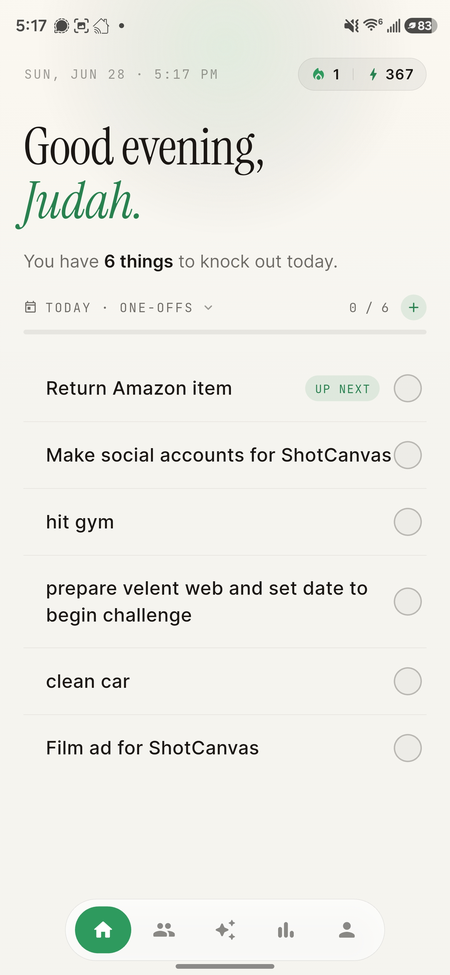
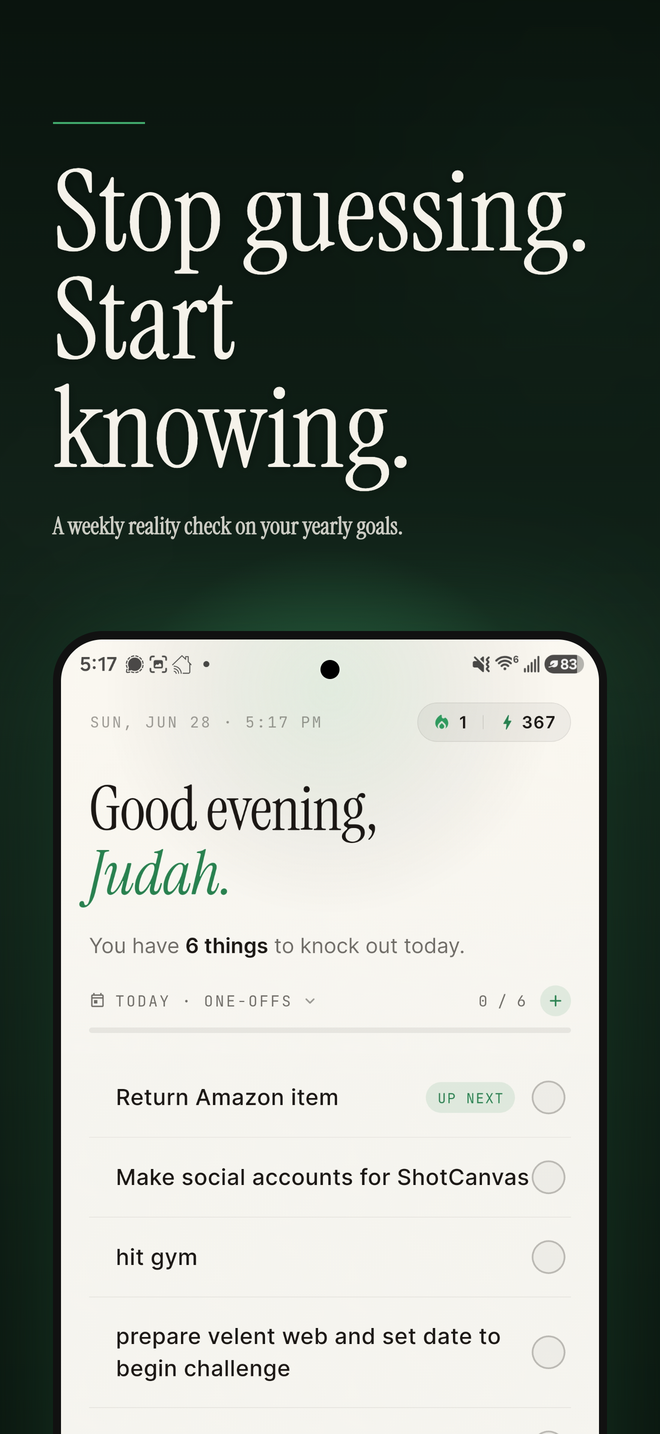
Not a Photoshop replacement — three things done well: a template engine, AI that designs your layout and writes your copy, and an export pipeline that renders pixel-exact files for every store.
Gradient heroes, bold type, cinematic device frames, minimal layouts, and continuous panoramas — each one tuned for store conversion. Drop your screenshot in and the template handles the composition.
Describe your app and AI selects a template, writes a conversion-focused headline, and pulls your brand colors straight from your screenshots — so every frame matches your product.
iPhone 6.9″, 6.5″, 5.5″, iPad 13″, and every Android phone and tablet size — rendered at exact pixel dimensions. Export as PNG or ZIP, ready to upload.
No Figma round-trips, no agency invoice, no Photoshop tutorial. Open the Studio, add your screenshots, choose a template, and export.
Drag PNGs into the browser, or import from your phone's gallery in the mobile app. The built-in recorder can extract the cleanest frames for you.
Twenty-six layouts, each with its own typography, device frame, and backdrop. Or skip the decision and let AI design and caption the full set in one tap.
Select your device sizes and export pixel-exact PNGs for every App Store and Google Play dimension — or publish straight to both stores from the Studio.
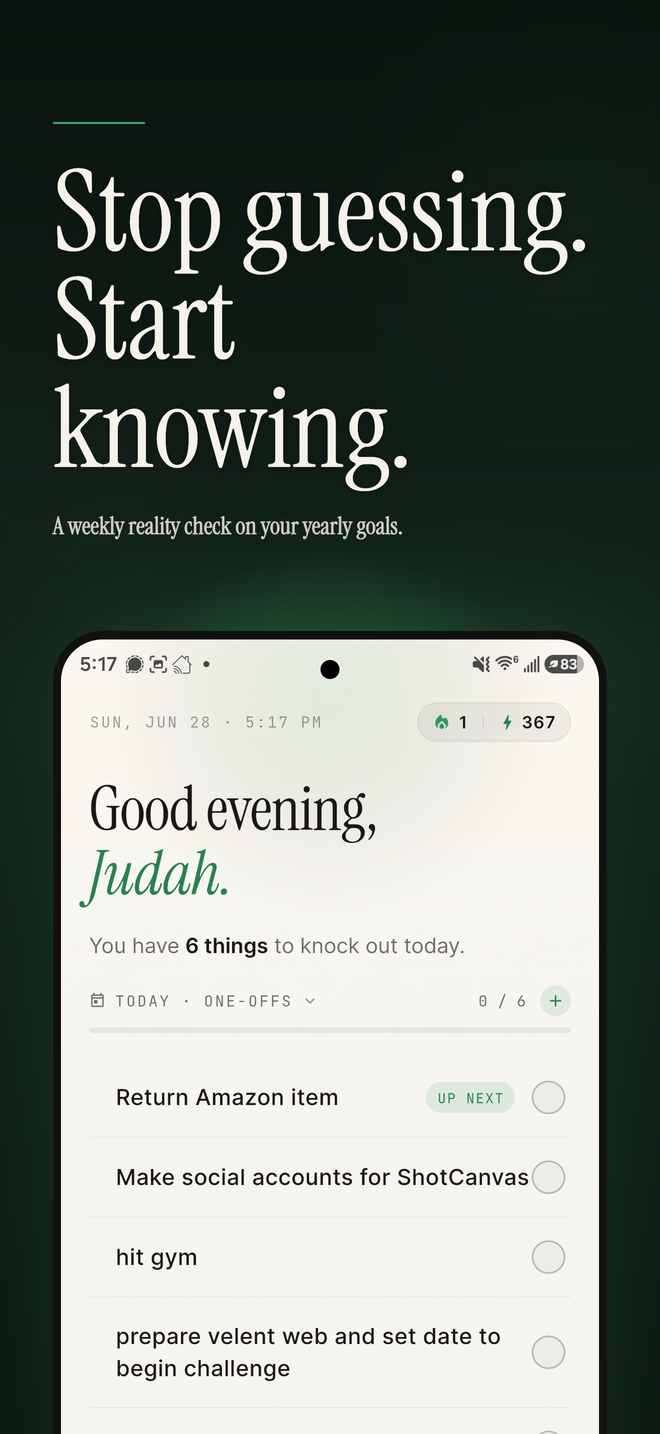
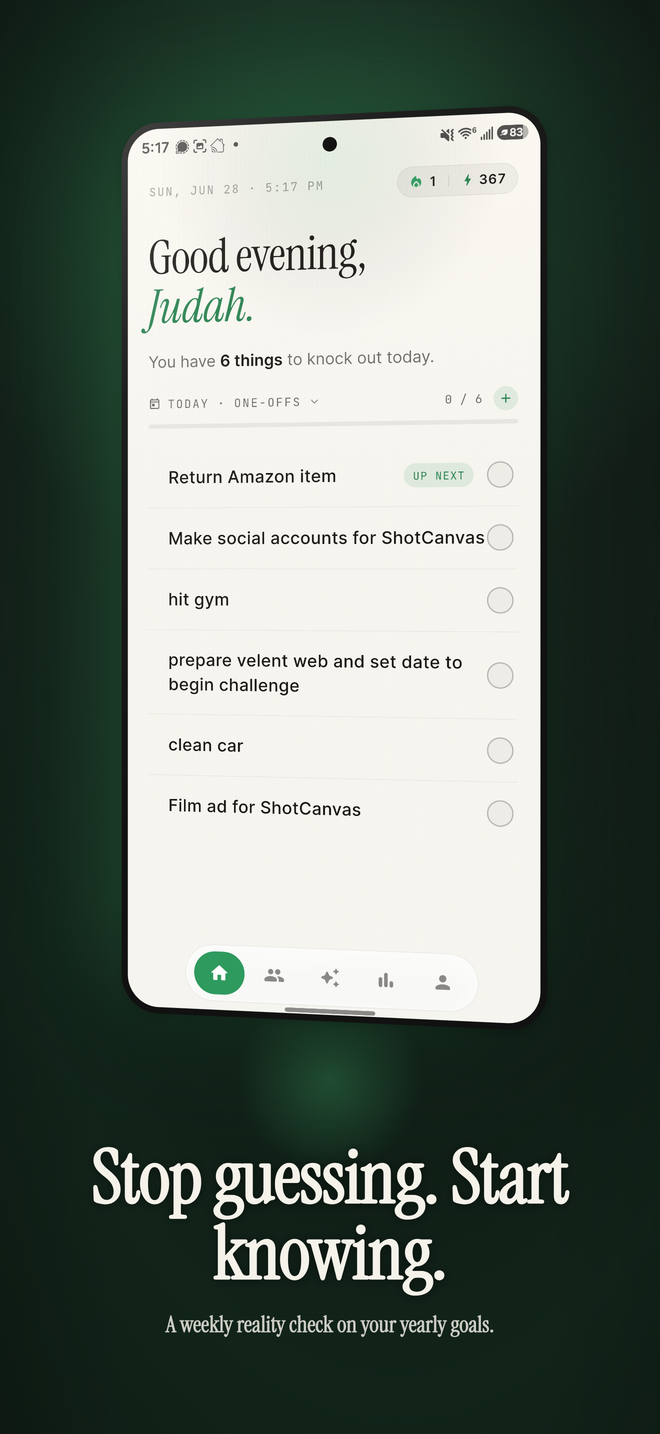
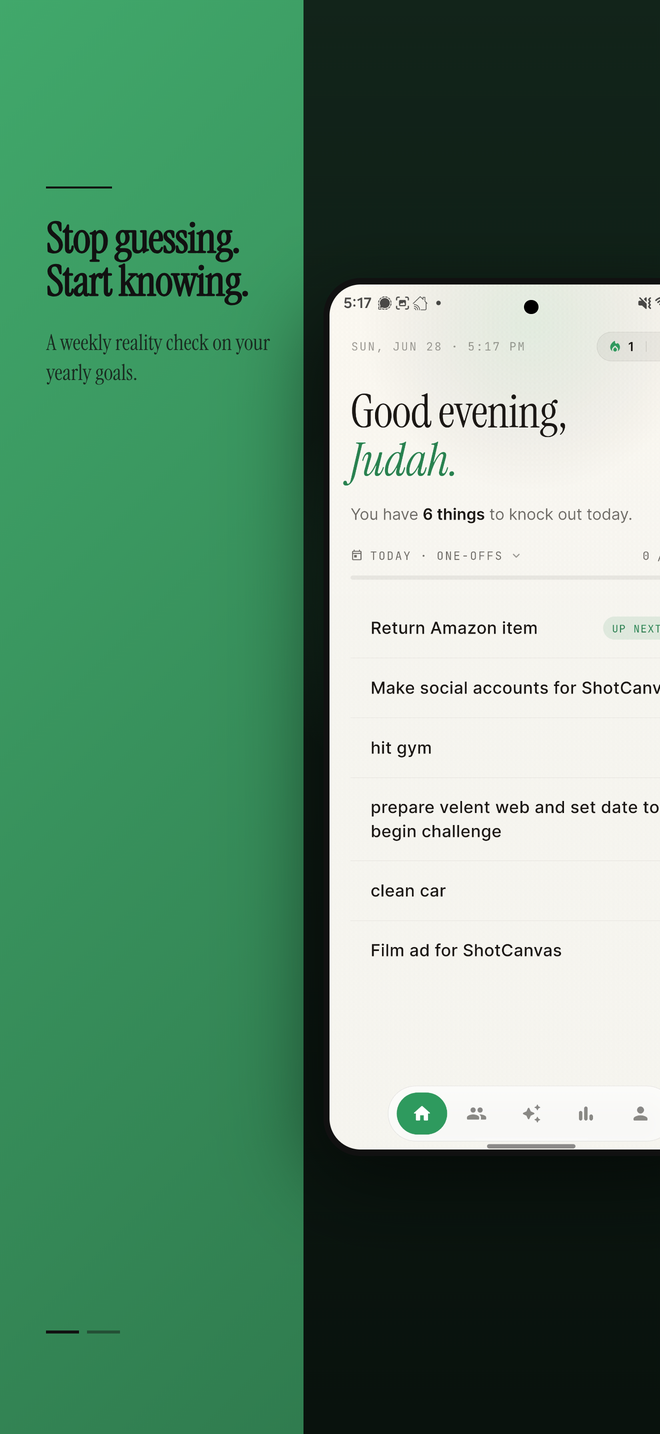
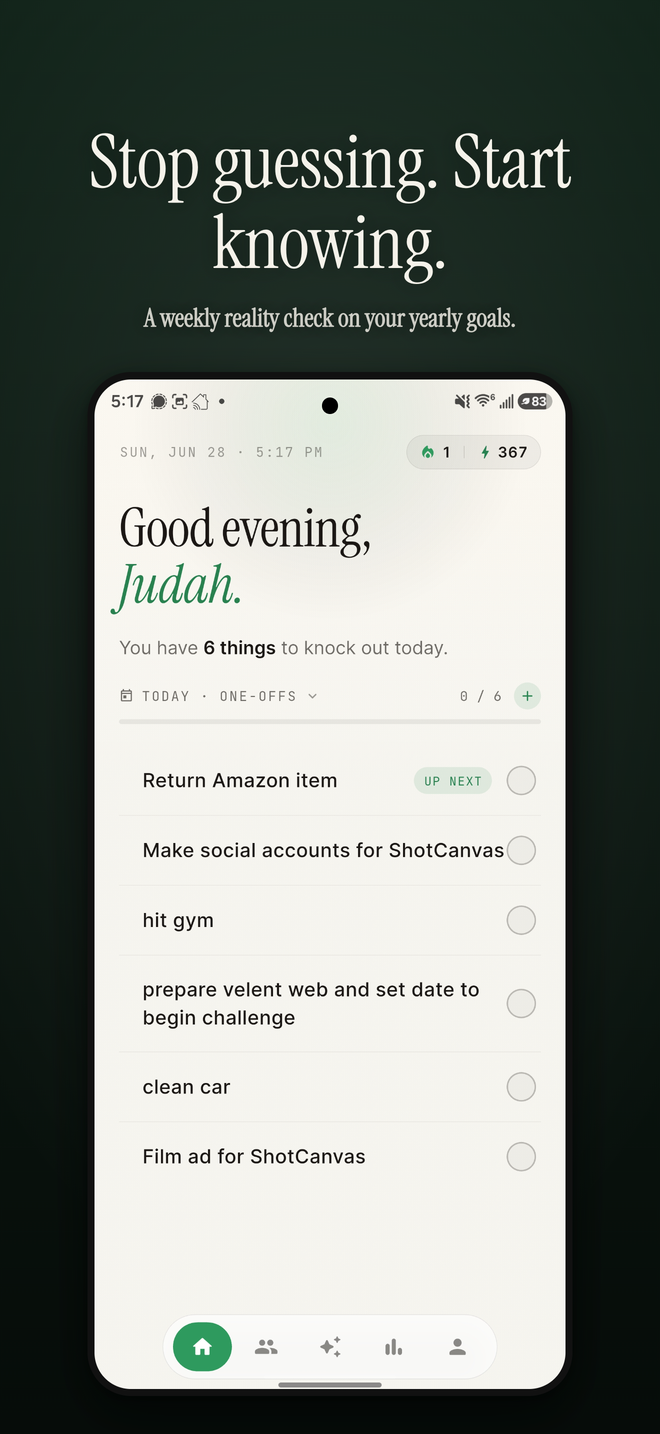
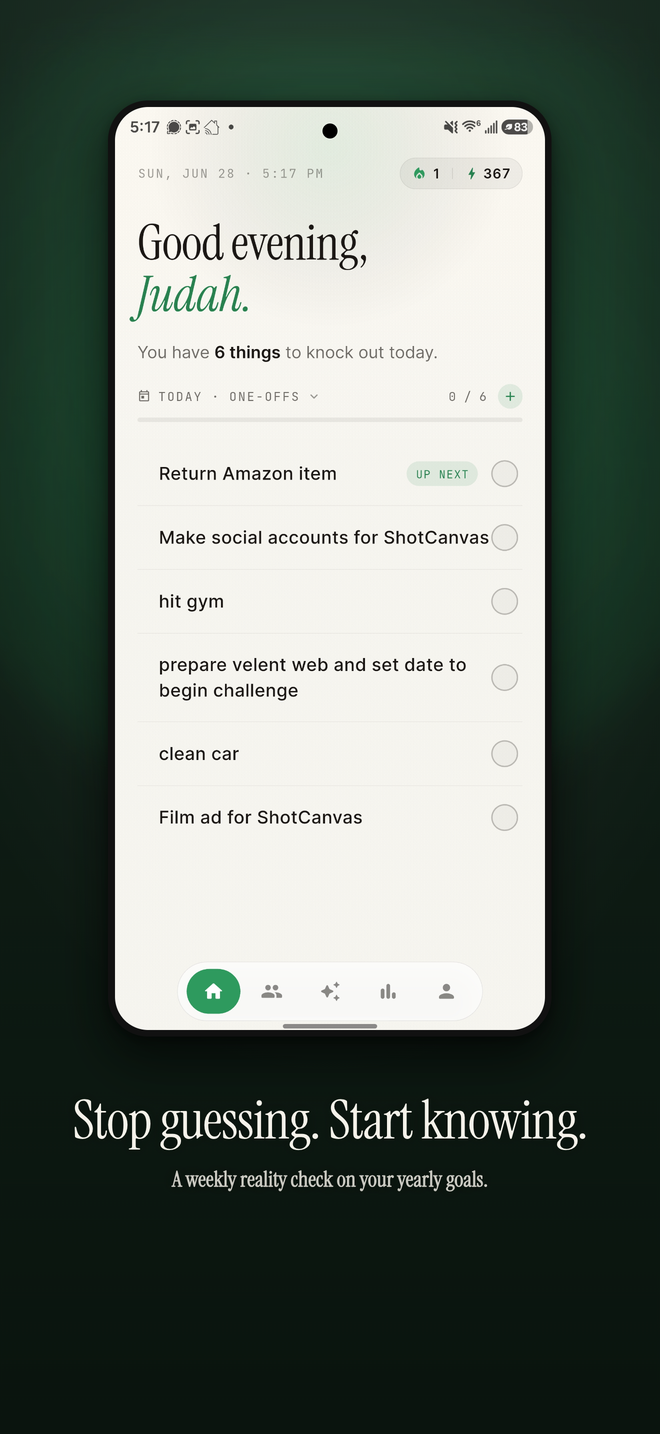
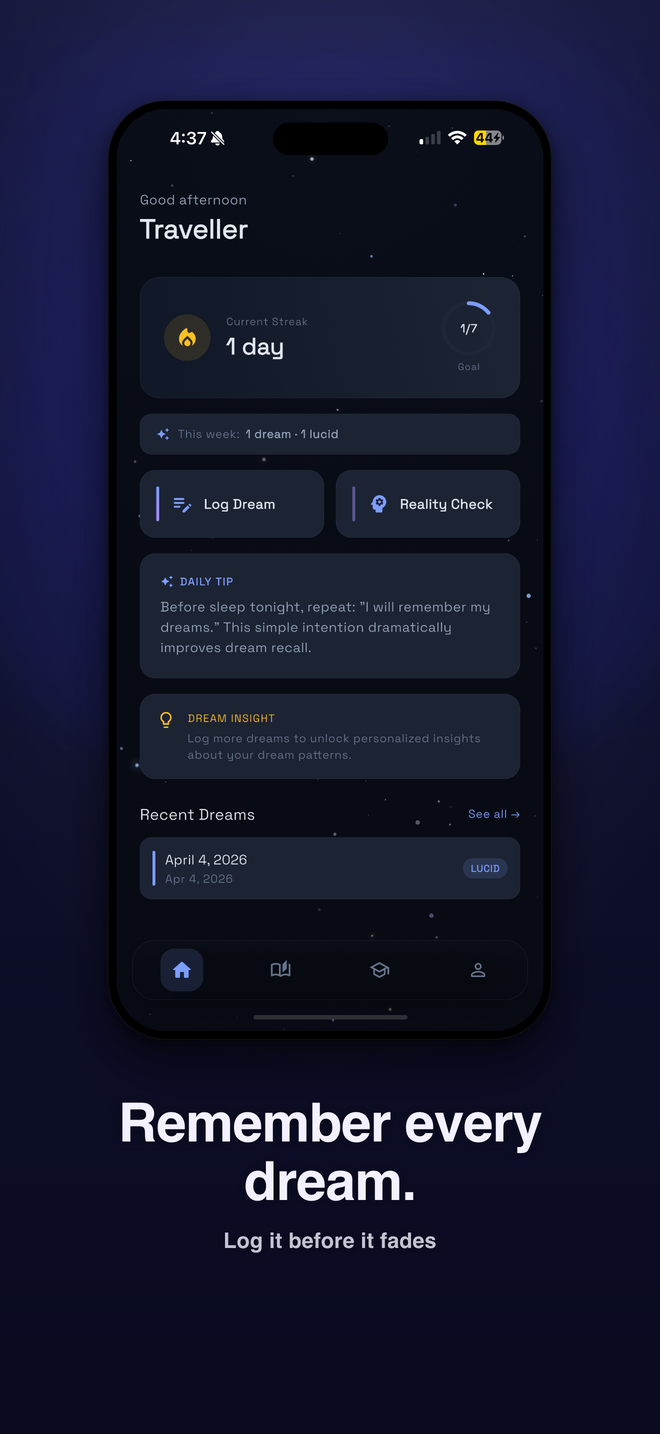
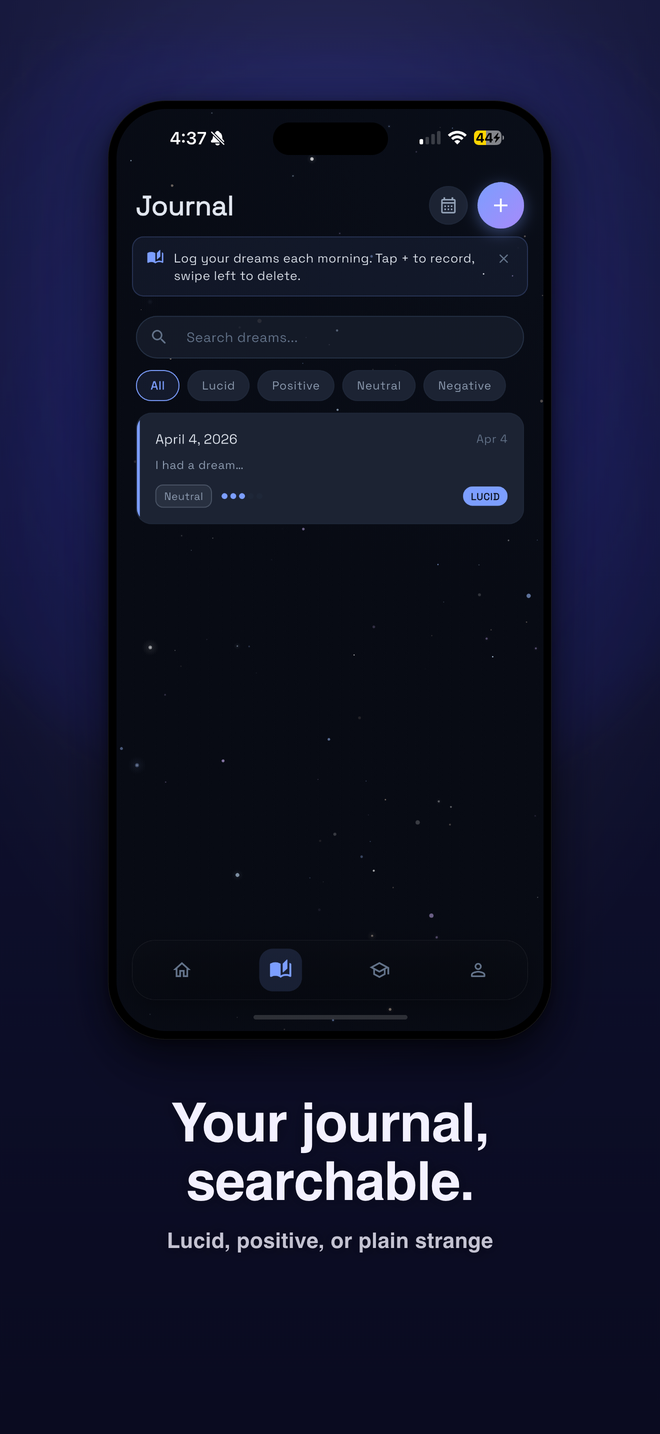
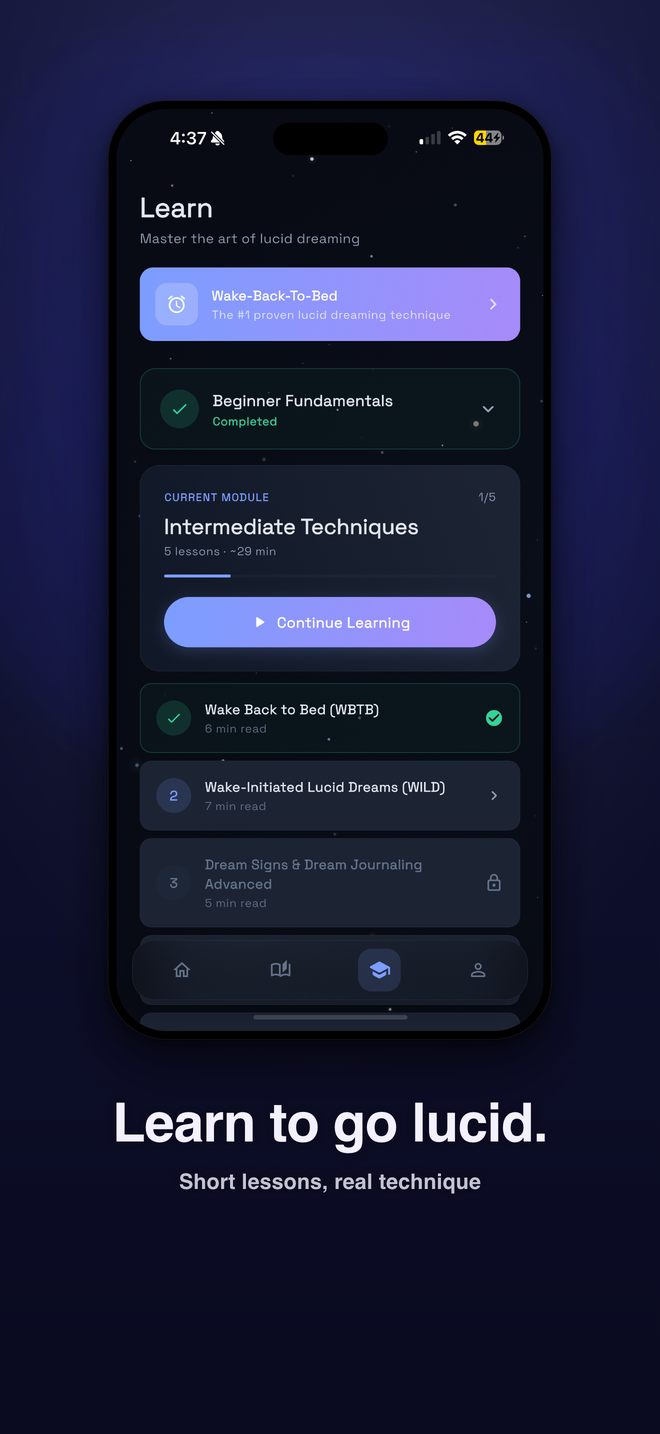
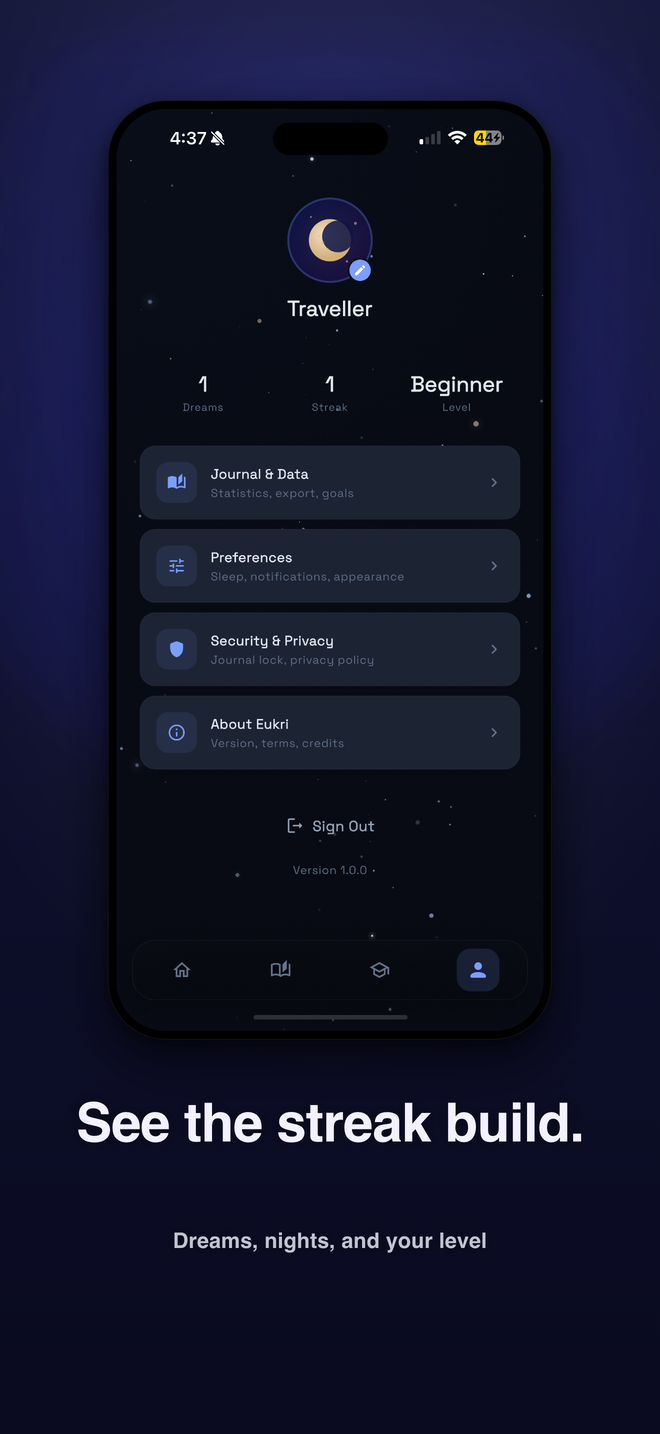
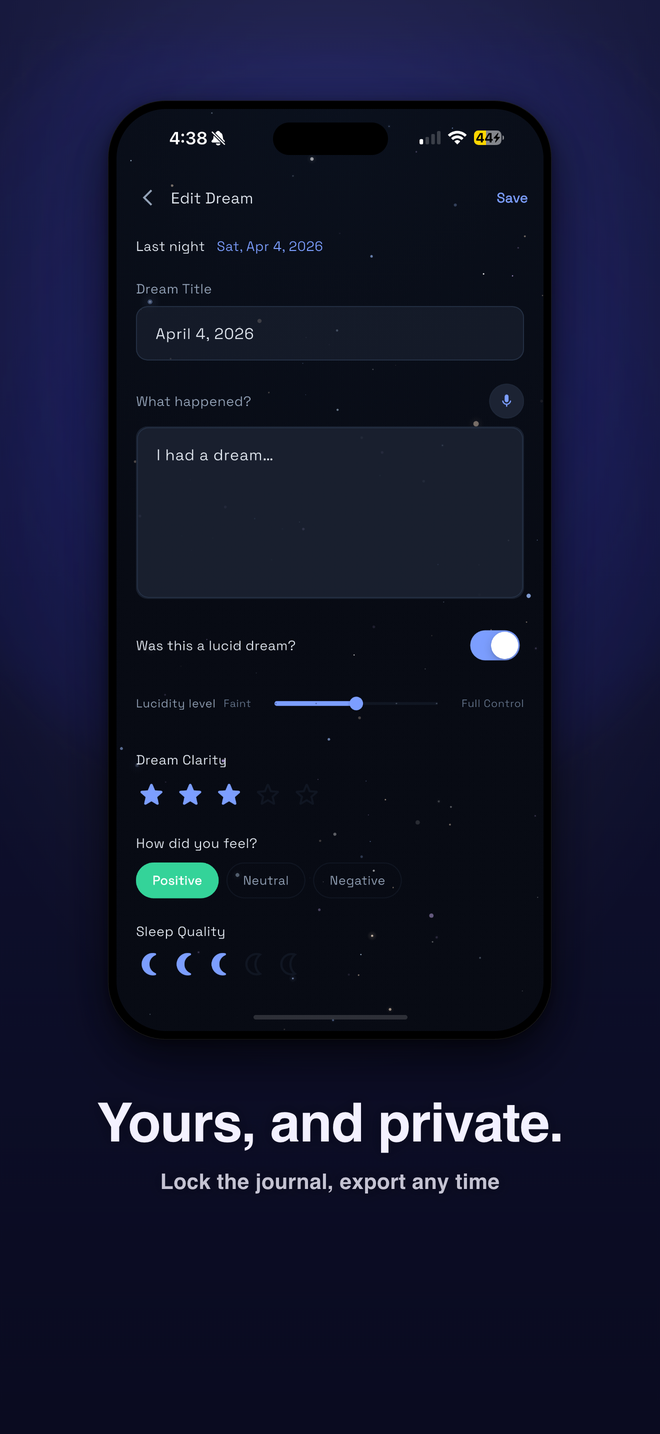
Real exports, straight out of the Studio, from two of our own apps. Nothing mocked.
Velent — the same shot through five templates
Eukri — one set in Spotlight, five shots
Free to start, no card. Pay per design when you ship, or go Pro when you ship often.
One AI-designed set exports clean in every size. Everything else exports with a preview watermark.
Open the StudioClean files for one design, every store size, forever. Nothing recurring.
Unlock a designUnlimited clean exports, all 26 templates, unlimited AI, your own fonts, publish direct to both stores. Or $12.99 a month.
Go Pro in the StudioFree includes 60 AI headlines a month, 10 saved drafts, 5 templates, every device size, and cloud sync with the mobile app. Pro yearly saves 68% over monthly.
* Web pricing — in-app is higher to cover app store fees.
Still have a question? Email [email protected] — a real person reads every message.
No. ShotCanvas Studio runs entirely in your browser at shotcanvas.app/studio — open the link and start designing. No download, no extension, and the free plan needs no credit card. The companion mobile app keeps your drafts in sync, so a design you start on your laptop is ready on your phone.
Yes. Describe your app and AI selects a template, composes the layout, writes the headlines, and extracts your brand colors from your screenshots. Every step is optional — adjust or override anything.
Yes. ShotCanvas exports at the exact dimensions each store requires — iPhone, iPad, Android phone, and tablet — so your images are accepted on the first upload, all from a single design.
Yes. ShotCanvas includes a remote MCP server, so Claude, ChatGPT, and any MCP-compatible assistant can design screenshots, write metadata, grade your set, and publish to both stores. Sign in to the Studio and open Setup MCP to connect.
Yes. The free plan includes one full export — every size, no watermark, AI design and headlines (60 a month), 10 saved drafts, 5 templates, every device size, and cloud sync. When a set is ready to ship, clean files are $5.99 one-time per design, or Pro adds unlimited clean exports, all 26 templates, unlimited AI, and direct publishing — $12.99/month or $49.99/year on the web (in-app prices are higher).
Tap Export to download individual PNGs or a ZIP, sized exactly to each store's requirements — no resizing or cropping. Or skip the download and publish straight to App Store Connect and Google Play.
The Studio runs in any desktop browser — no install, no account to start. Prefer mobile? Get the mobile app — “Shot Canvas – App Screenshots” on the App Store and Google Play — and your drafts sync across both.
On the App Store & Google Play · or design in the Studio now.